
DubMenu turns any browser TV into a live dispensary menu board.
Staff update products, prices, stock, and layout from a phone. The board runs in the browser on the TV you already own.
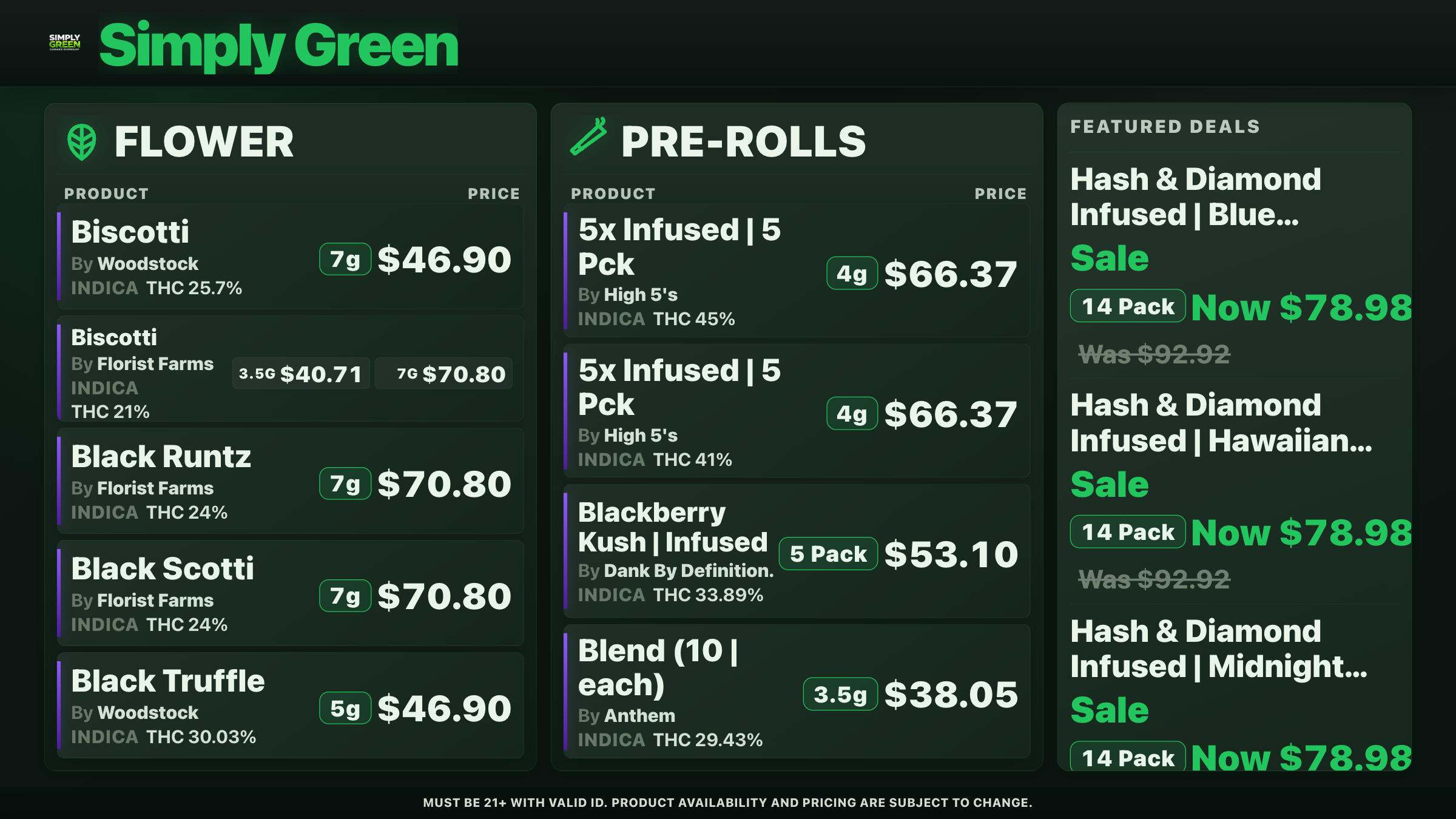
Current DubMenu renderer · entirely simulated Signal Bloom catalog and branding.
Looks made for the wall.
24 themes, each rendered with product photos, potency, weights and sale pricing. Add your logo, colors and fonts, or have DubHaven design a bespoke board.
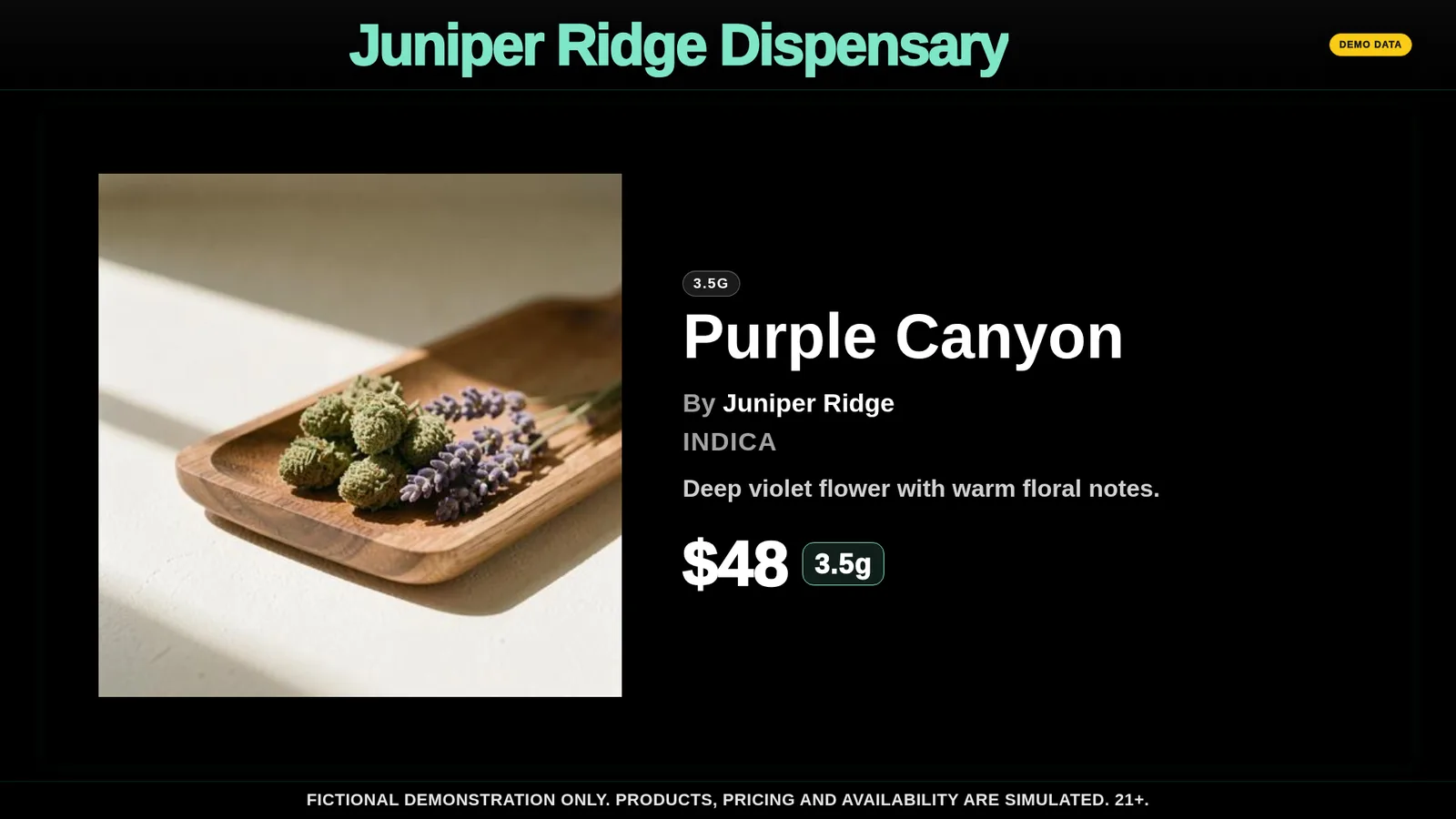
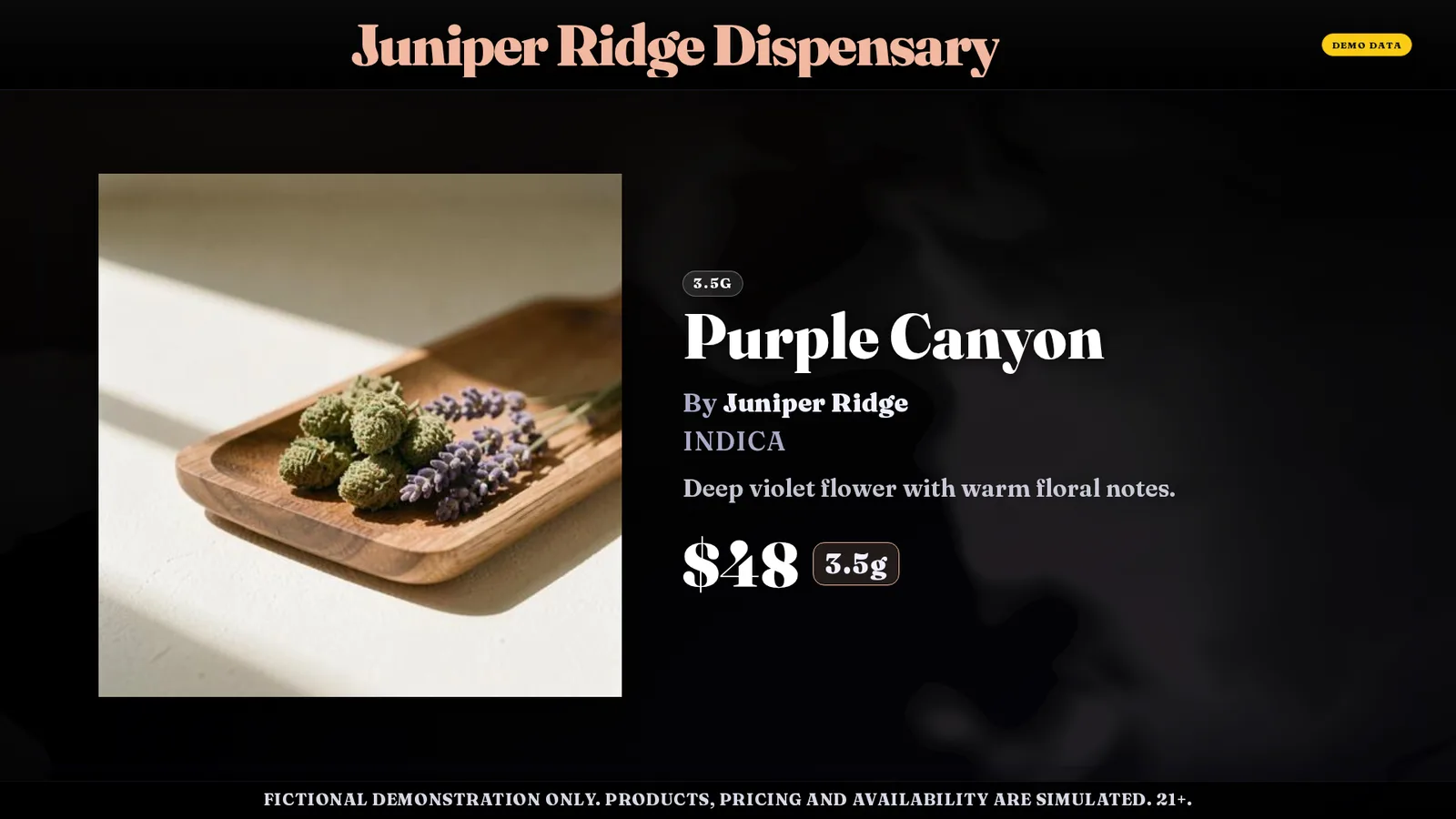
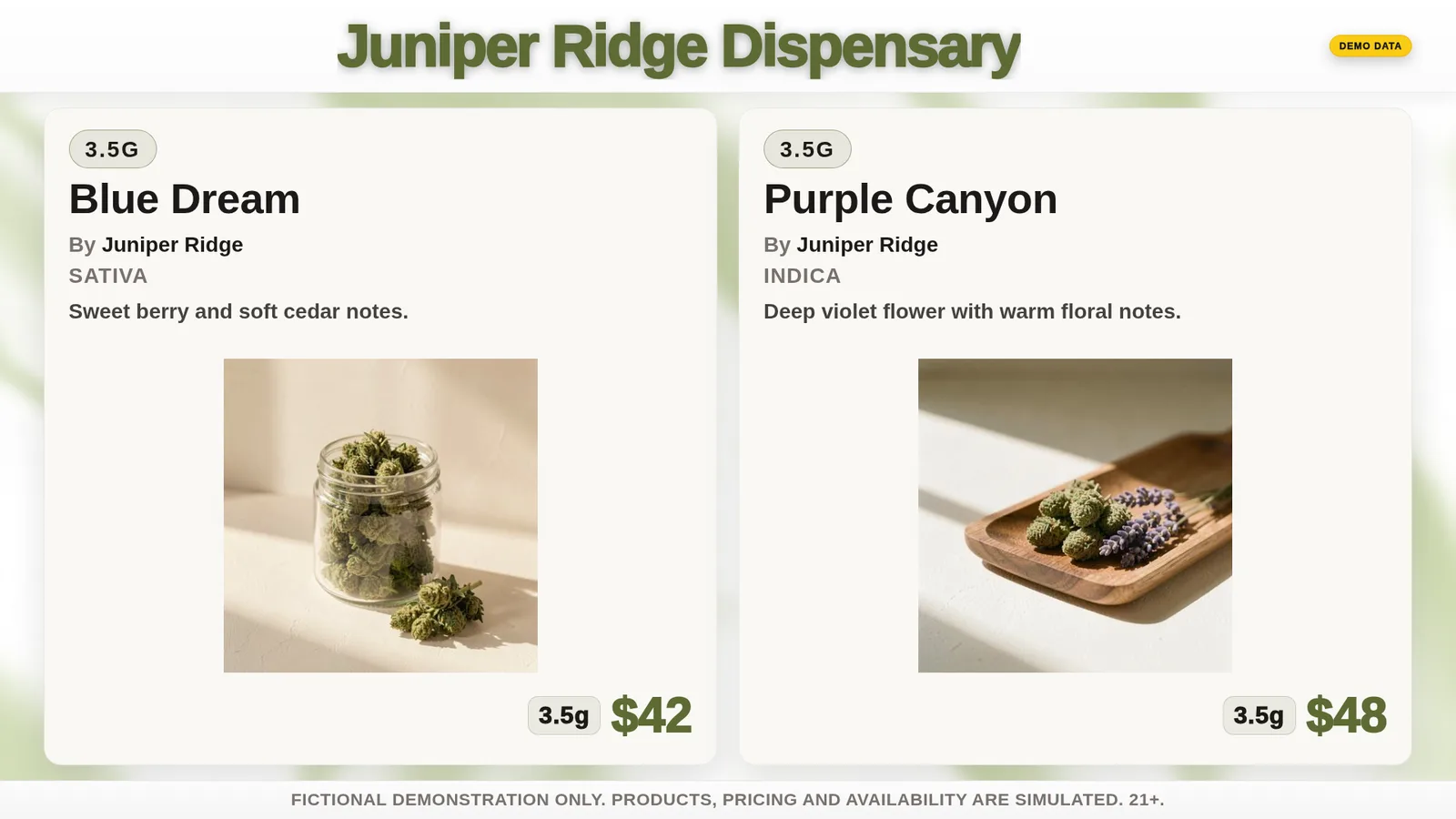
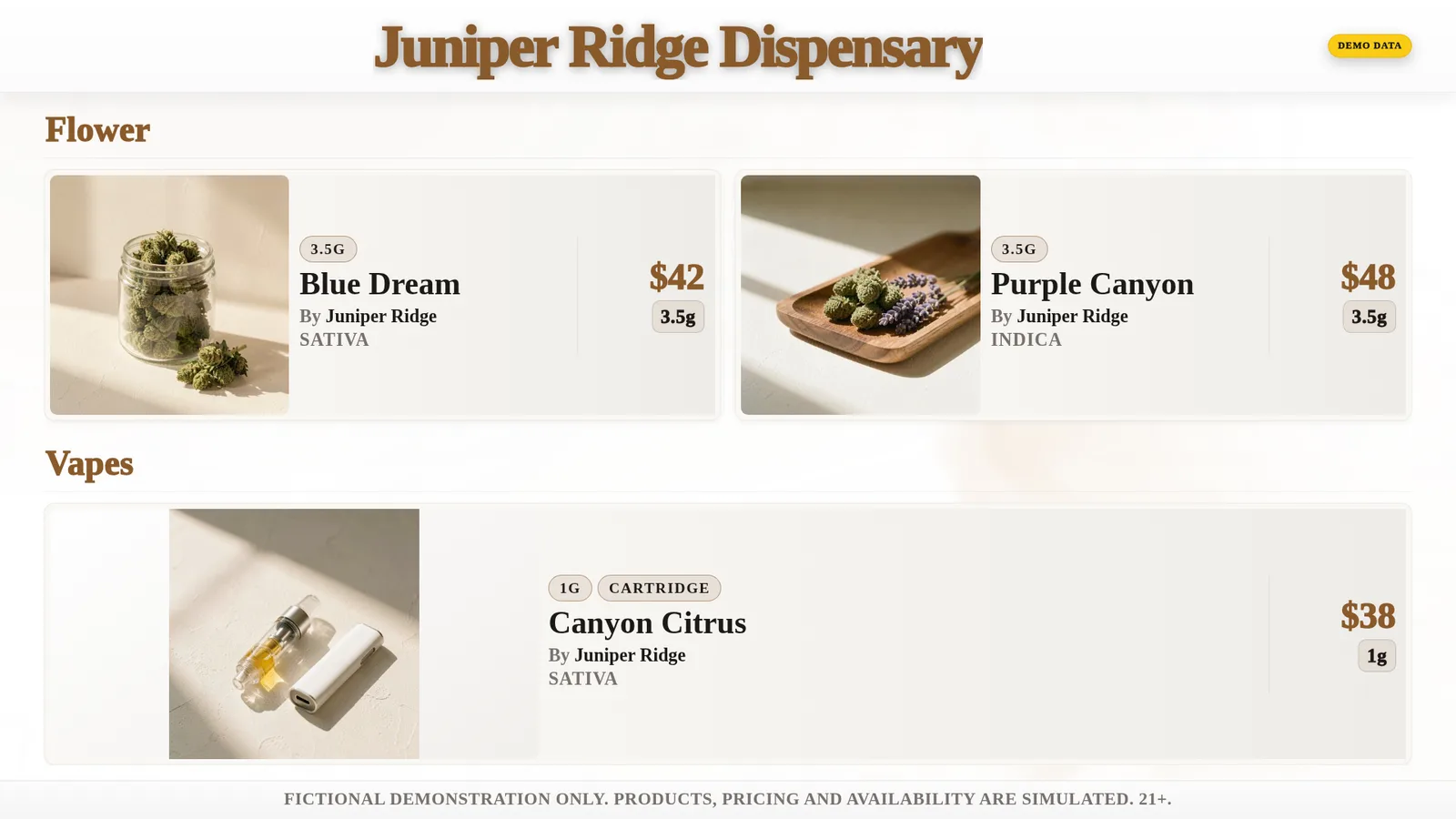
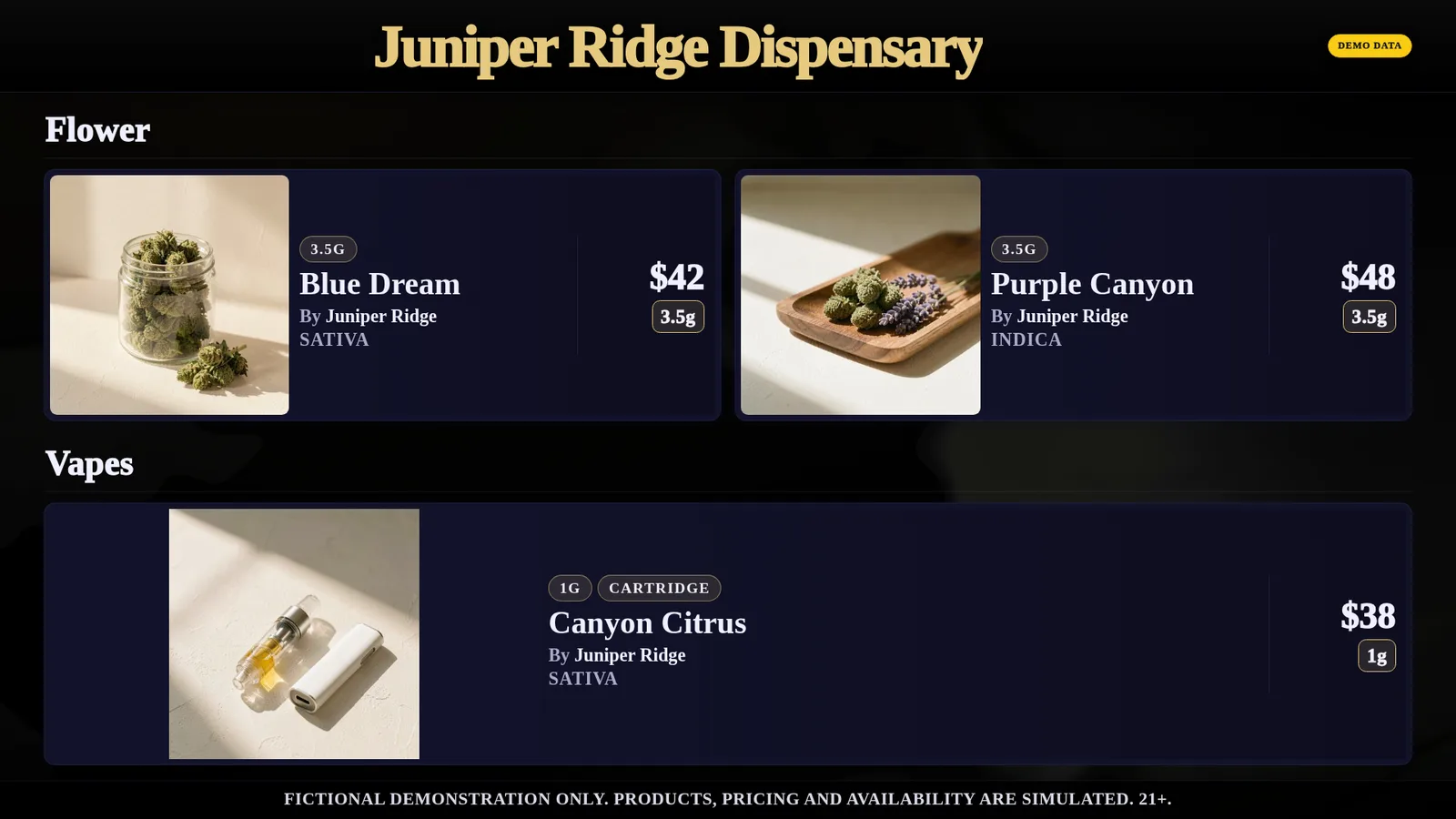
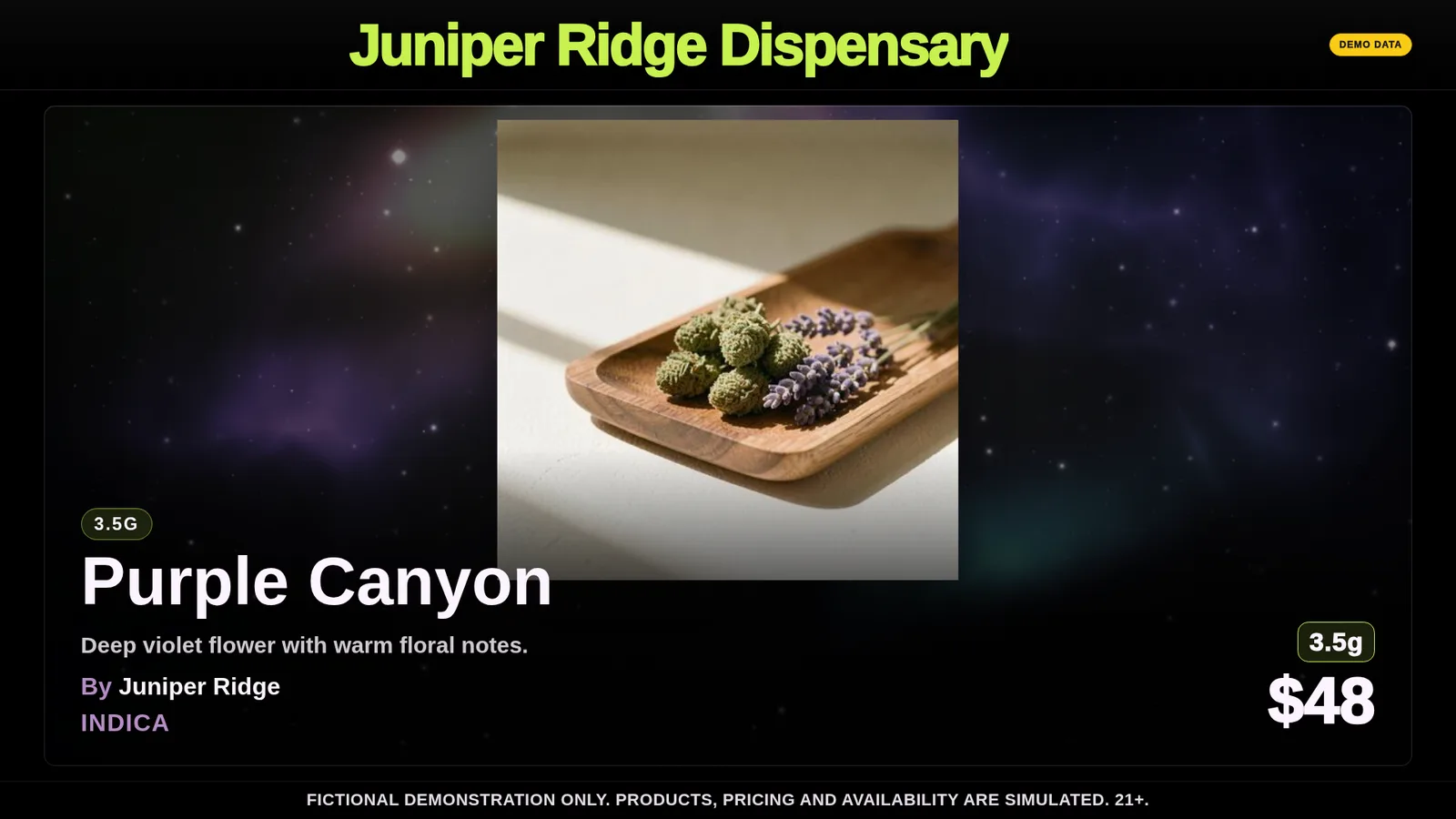
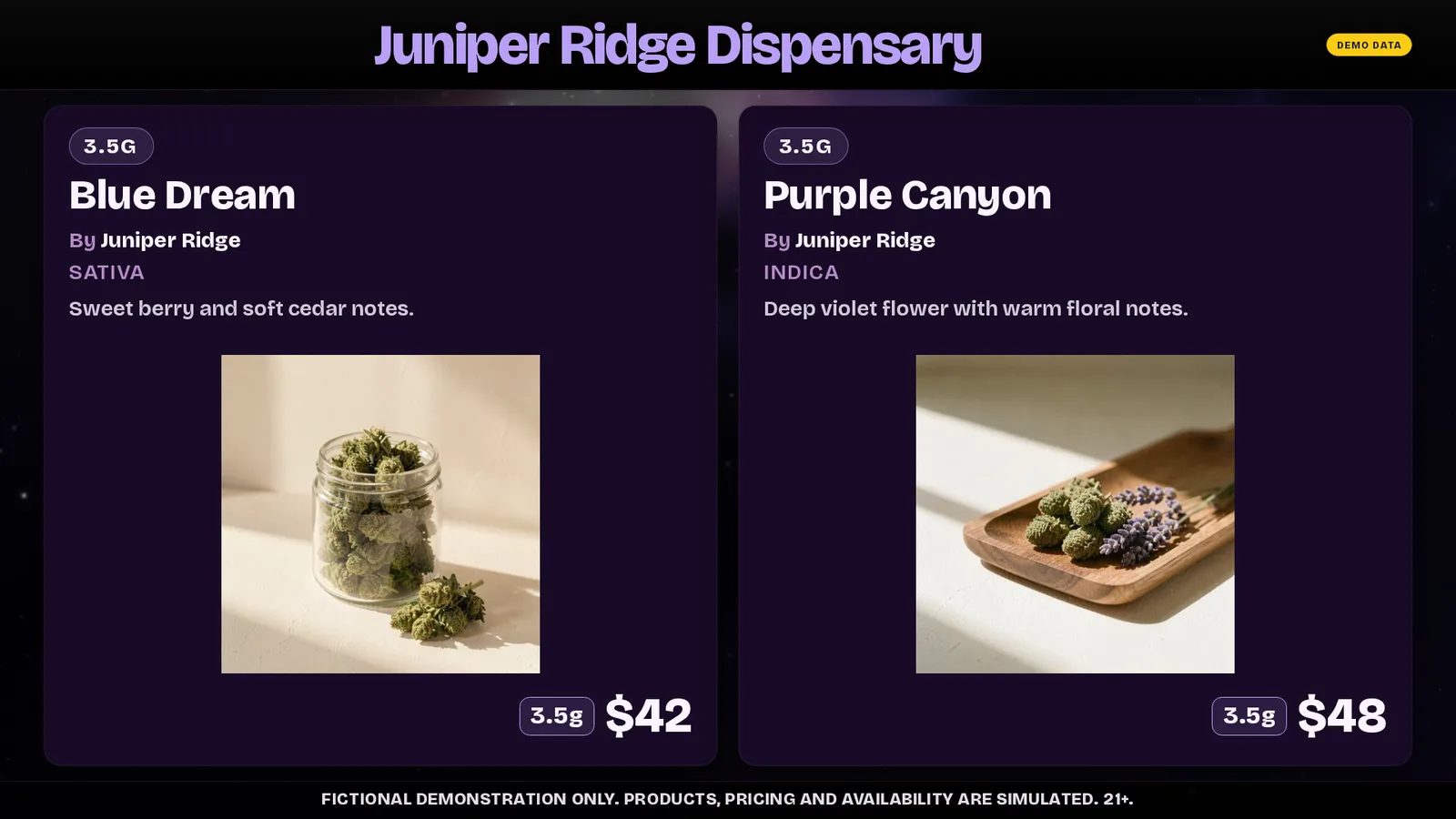
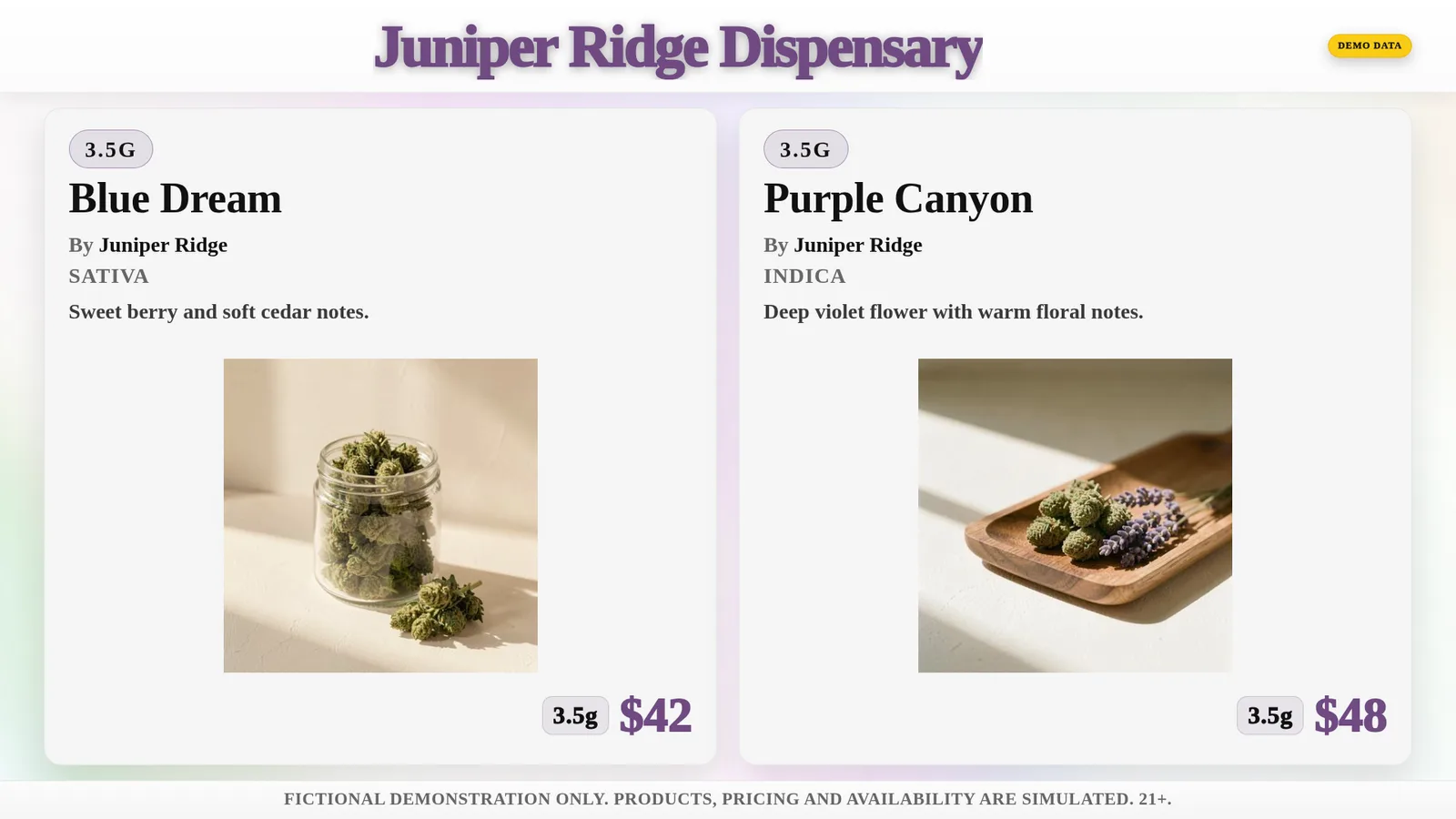
Eight of 24 themes, shown with a fictional demo catalog.
Menu controls built for the dispensary floor
Runs on any TV with a browser
No proprietary hardware or media players. Open a URL on the smart TV you already own and the board is live.
Phone pairing
Staff pair a display by scanning a QR code. The TV never needs a shared staff password.
Real-time updates
Change a price, mark an item out of stock, or swap a theme. Every paired screen updates within seconds.
Per-display layouts
Run a flower wall on one screen, deals on another. Each display gets its own layout and category mix.
Automatic menu sync
Paste your website URL and the board builds itself. It then keeps stock, prices and deals current about every 15 minutes, with no staff action.
24 themes and bespoke design
Start with one of 24 presets and your own colors and logo, or have DubHaven design a bespoke board with custom layouts and animated backgrounds.
Set up a board in three steps
- 1
Import or build your menu
Import products, prices, and images from an existing Dutchie menu, or enter the catalog directly.
- 2
Pair your TVs
Open the display URL on any TV with a browser and scan the pairing code from a phone. The screen joins your account instantly.
- 3
Update from anywhere
Prices, stock, themes, and layouts are edited from a phone or laptop. Changes reach every paired board in seconds.
A practical fit for active dispensary menus
- Each display pairs independently, whether the shop has one screen or four
- Staff can correct a price or stock status from the floor
- Your Dutchie or Weave IQ menu builds the board and keeps it in sync automatically
- Themes, colors, and logos can match the store brand
See it running
DubMenu is available now at dubmenu.com. Create a trial account, open the board URL on a TV, and pair it from a phone.
Start the 30-day trialDubMenu next to GreenScreens
From each company's public pages, checked September 29, 2026.
| DubMenu | GreenScreens | |
|---|---|---|
| Monthly price | $99 per location, any number of TVs | $150 Starter or $250 Plus |
| Setup fee | None | $200 one time |
| Hardware | Any browser TV, nothing to buy | Google TV app or a streaming stick |
| Free trial | 30 days | Not published |
Common questions
Do I need special hardware?
No. DubMenu runs in any modern TV browser, including large-format and 4K displays.
We already sell on Dutchie. Can we use it?
Yes. Paste your website URL and DubMenu builds the board from your products, prices and images. It then syncs automatically about every 15 minutes, so sold-out items, price changes and deals reach your TVs without anyone touching them. New products from your menu are added within about an hour.
We use Treez for POS and Alpine IQ for online ordering. Can we use DubMenu?
Yes, with a spreadsheet you keep current. DubMenu does not connect to Treez or Alpine IQ directly, so it will not sync live from them. Export your product list from Treez, drop it into the DubMenu CSV template, upload it, and check it against your online menu. When prices or stock change, edit the board from your phone or upload a fresh file.
Who updates the menu day to day?
Your staff. Displays pair to a phone with a QR code, so the person managing inventory can update the boards from the floor.
What does DubMenu cost?
DubMenu is $99 per location each month for as many displays as you need. New accounts include a 30-day trial.
Need the point of sale behind the menu?
DubLedger is DubHaven's compliance-first POS, now in beta. Use its menu link as your DubMenu source and your boards follow every sale, about every 15 minutes. DubMenu customers pay $70 per location each month for DubLedger (regular beta price $99). One DubHaven account for both.
Explore DubLedger